
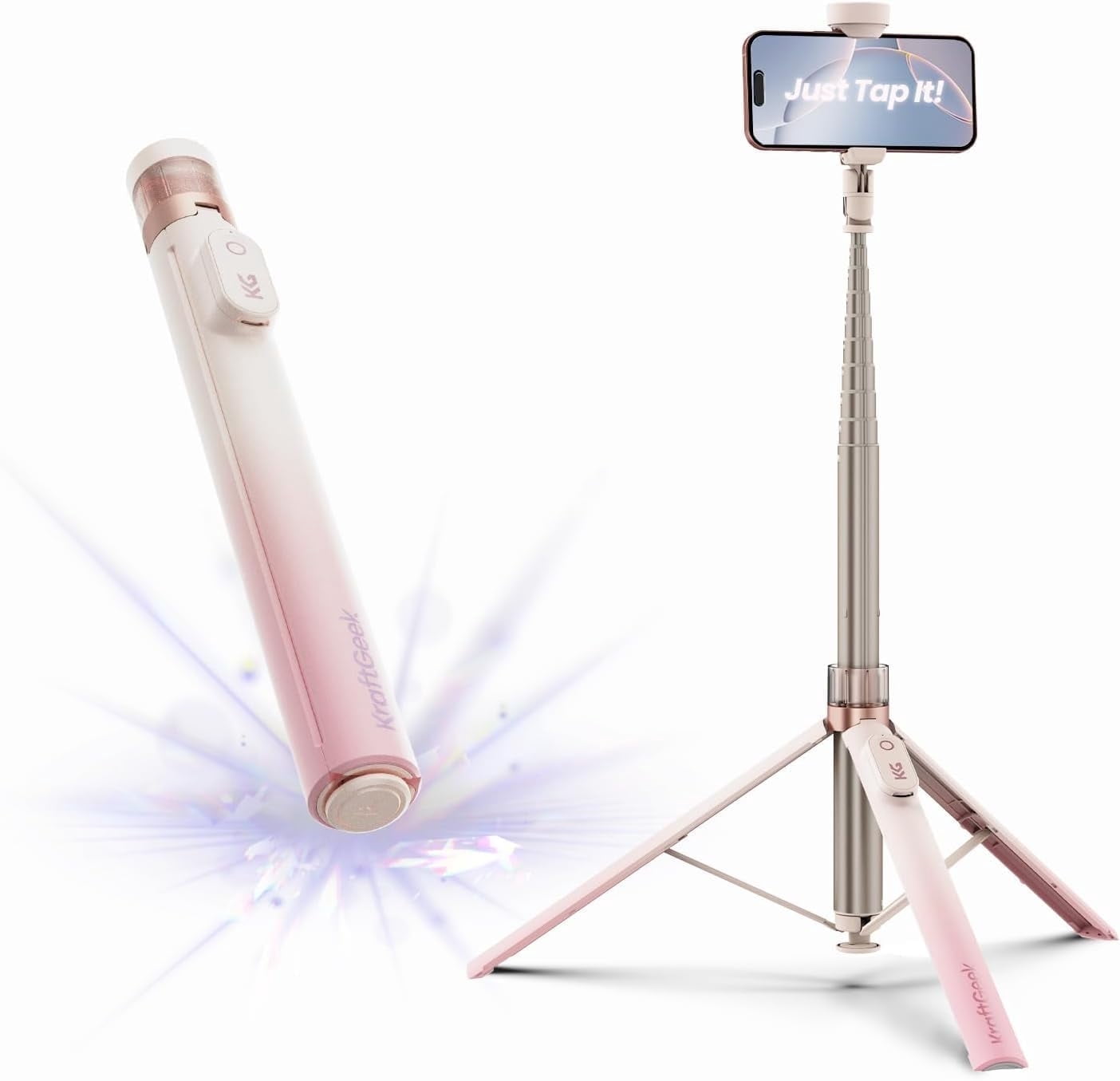
KraftGeek Automatic Tripod for iPhone, 66" Pink Phone Selfie Stick Tripod Stand for Recording, Travel, Content Creation - Ombré Peach
Product details
| Management number | 230819603 | Release Date | 2026/06/18 | List Price | US$119.60 | Model Number | 230819603 | ||
|---|---|---|---|---|---|---|---|---|---|
| Category | |||||||||
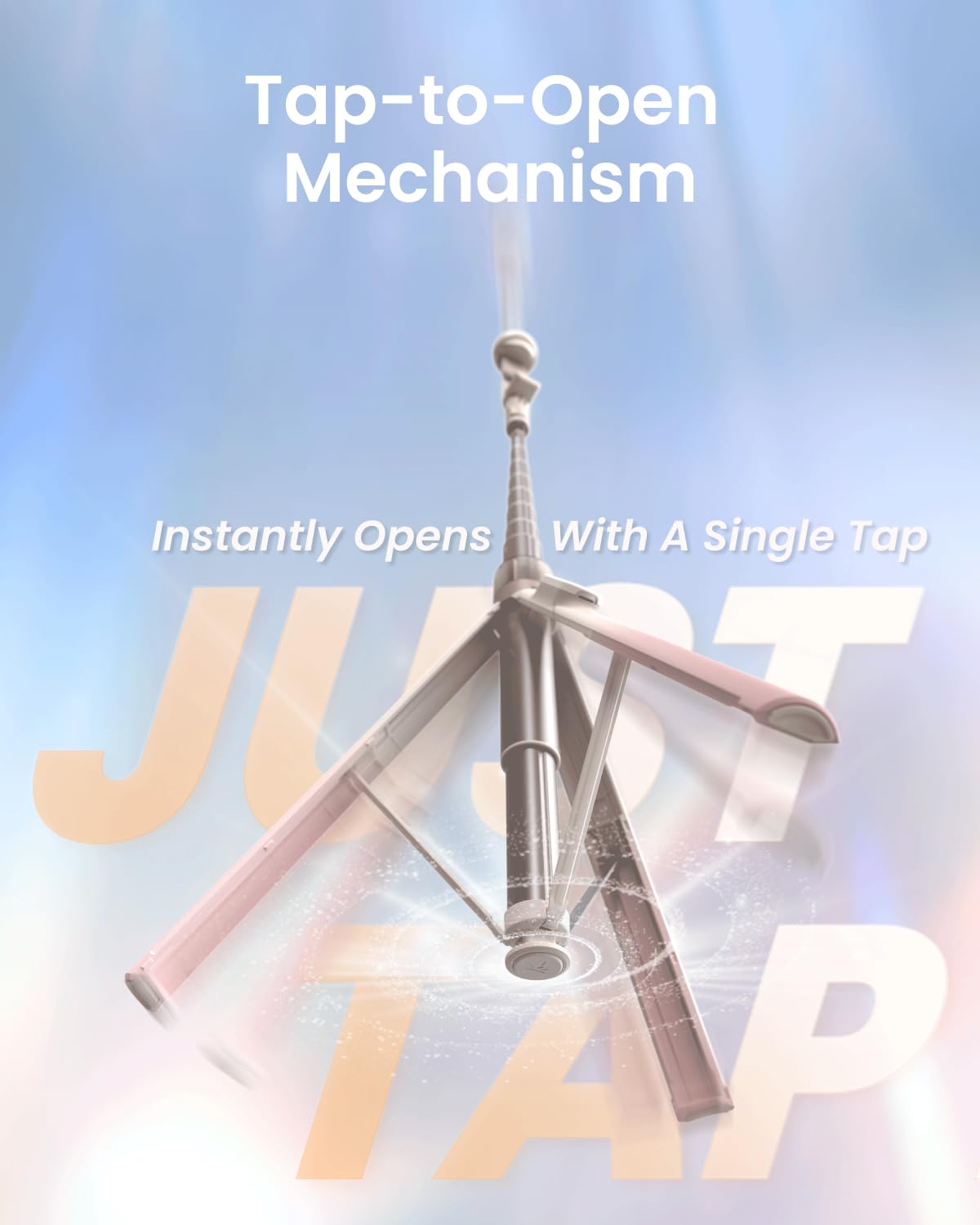
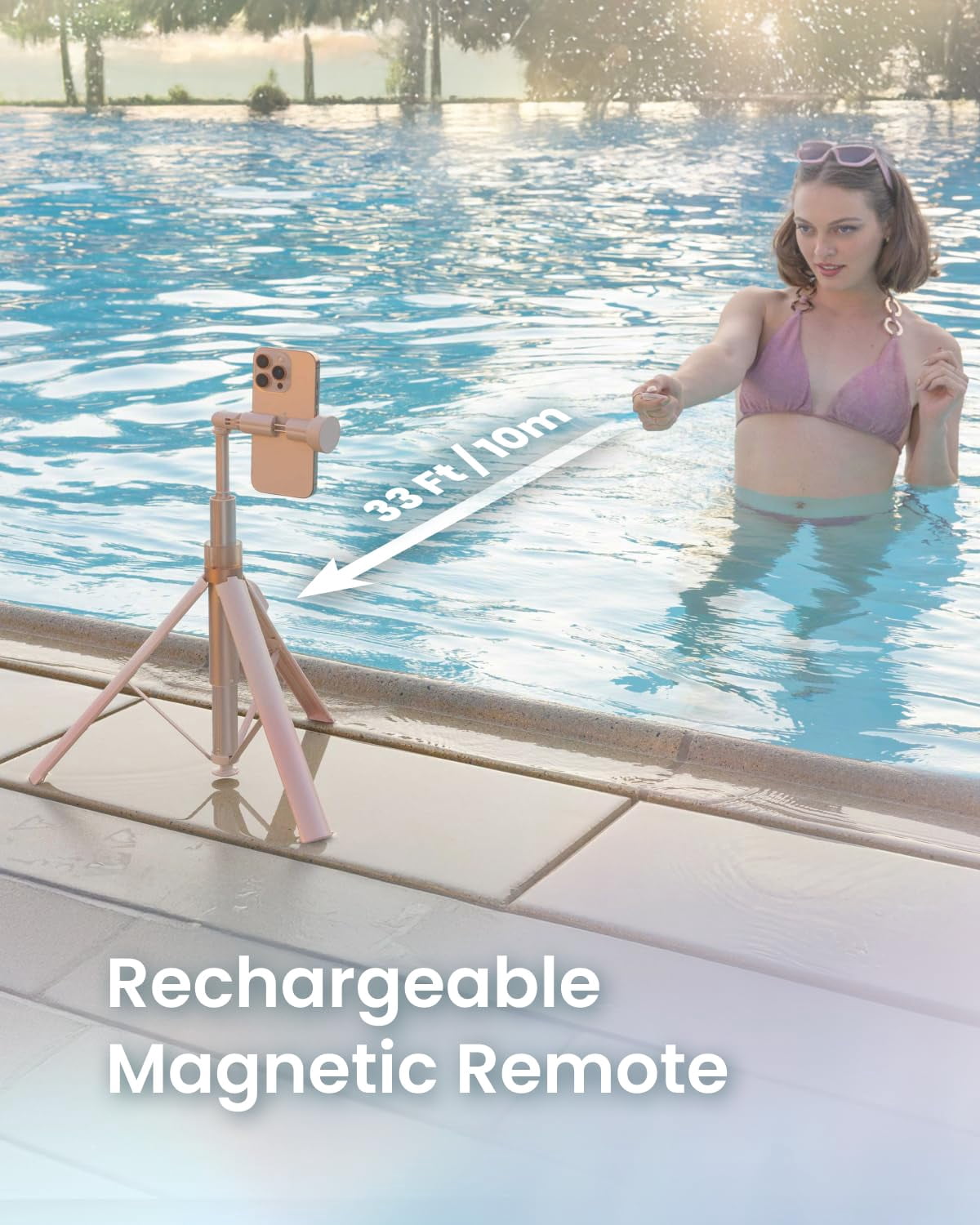
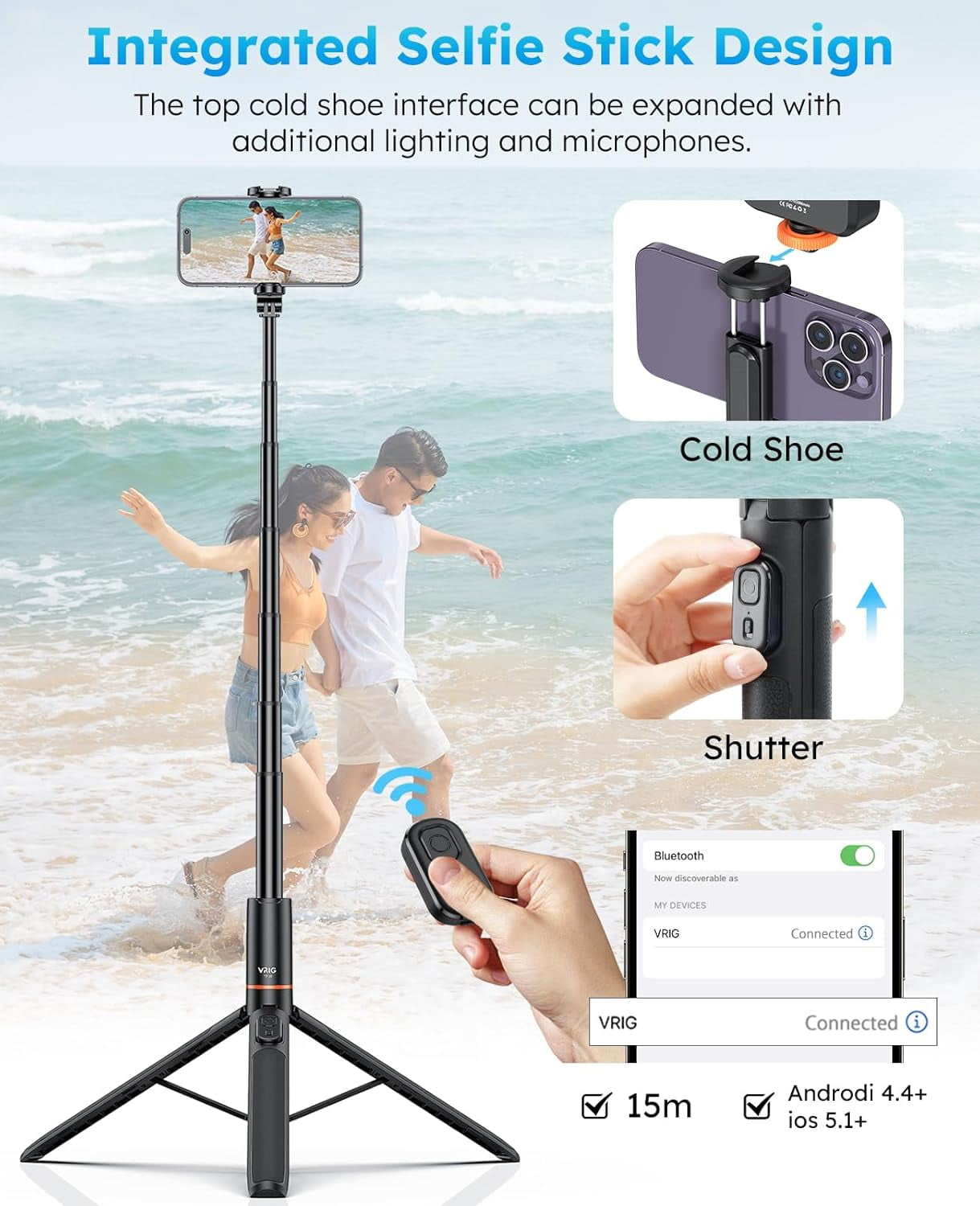
Capture every moment in style with this KraftGeek Ombré Peach Phone Tripod, designed for today’s creators. The playful gradient finish adds a trendy touch to your content setup, whether you’re filming TikTok dances, vlogging travels, or recording everyday videos. The auto-open tripod legs expand with one tap—perfect for quick selfies, family photos, or outdoor group shots without hassle. A hidden cold shoe mount lets you add lights or microphones for pro-level vlogging and livestreaming. With 180° adjustable rotation and height range from 13" to 66", you can film from low angles, desk setups, or tall tripod shots with ease. The silicone-padded holder fits most phones—including iPhone 17/17 Pro/17 Pro Max, iPhone 16/16 Pro/16 Pro Max, Samsung Galaxy S25/S25 Ultra, and Google Pixel 10 Pro—keeping them stable and scratch-free during gym workouts, cooking tutorials, or travel vlogs. Weighing just 15 oz, this lightweight travel tripod folds compact for creators on the go. Complete with a rechargeable Bluetooth remote (33 ft range), you can shoot hands-free content, group selfies, or cinematic reels anytime, anywhere. Upgrade your content creation with this stylish, portable, all-in-one phone tripod—built for TikTok, Instagram, YouTube, and beyond.
- Stylish Ombré Peach Design: Featuring a playful Ombré Peach gradient, this phone tripod adds a sweet, stylish vibe to your content setup. Perfect for social media creators, travel photos, or everyday content with style and charm
- Just Tap Auto-Open Tripod: With a single tap, the tripod legs expand instantly for one-handed use. No hassle, no broken nails. Great for spontaneous selfies, family group photos, or quick recording sessions indoors and outdoors.
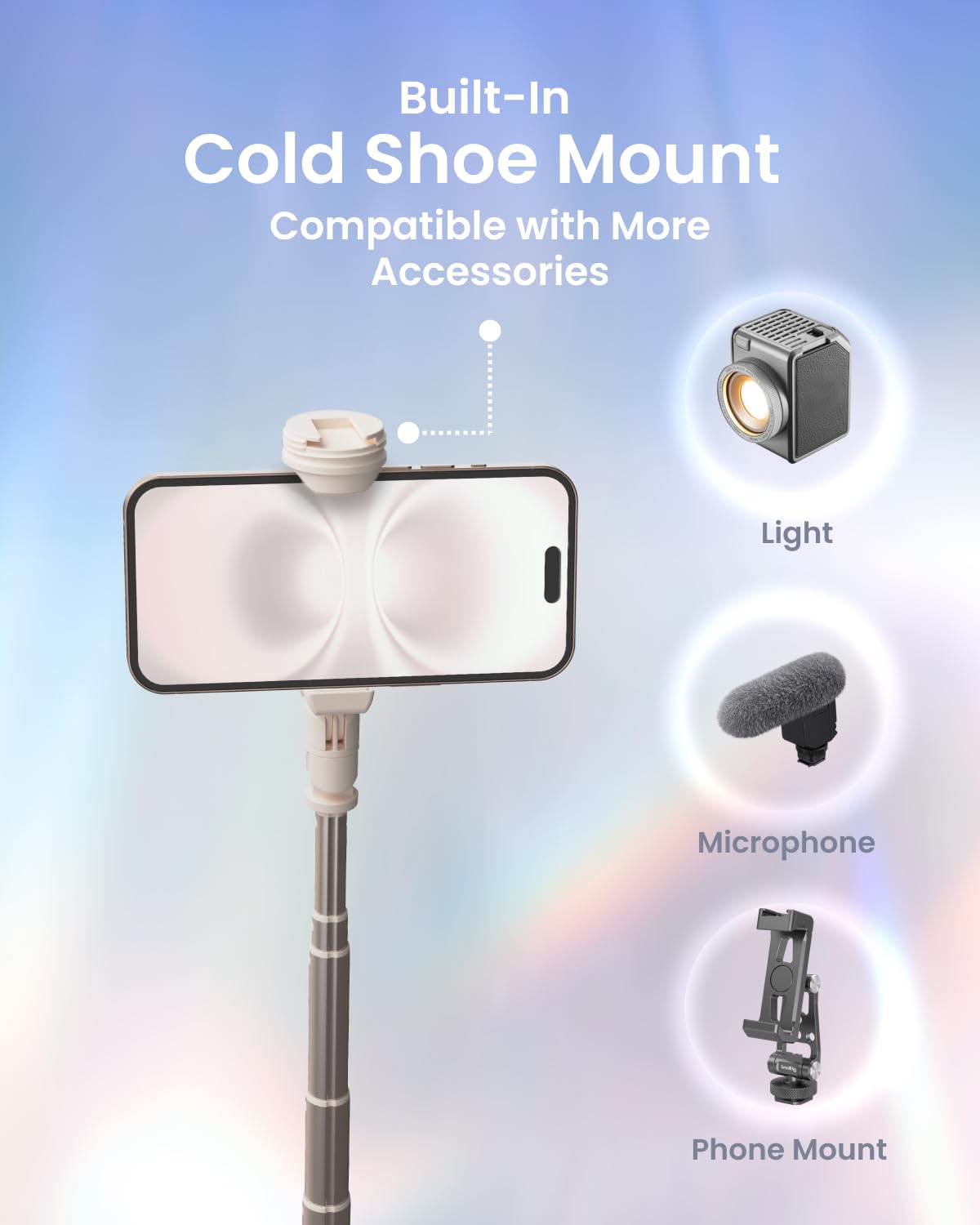
- Built-In Cold Shoe Mount: A hidden cold shoe on top lets you add microphones, lights, or accessories. Ideal for vloggers, livestream setups, and content creators. Cap included for a sleek look when not in use.
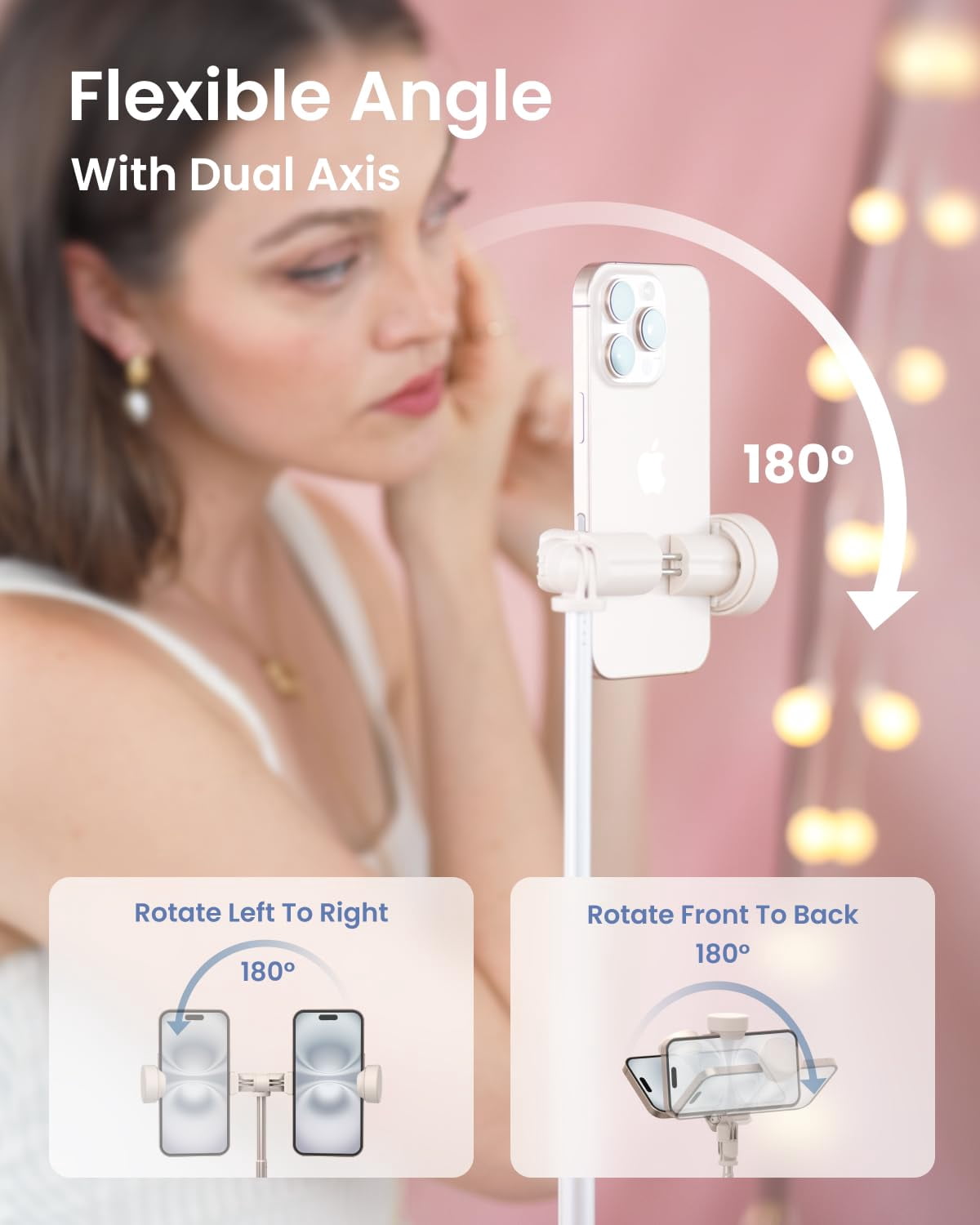
- Flexible Angle Adjustment: The phone mount rotates and tilts 180° for vertical or horizontal shots. Perfect for cooking tutorials, workout recordings, or creative content without losing stability.
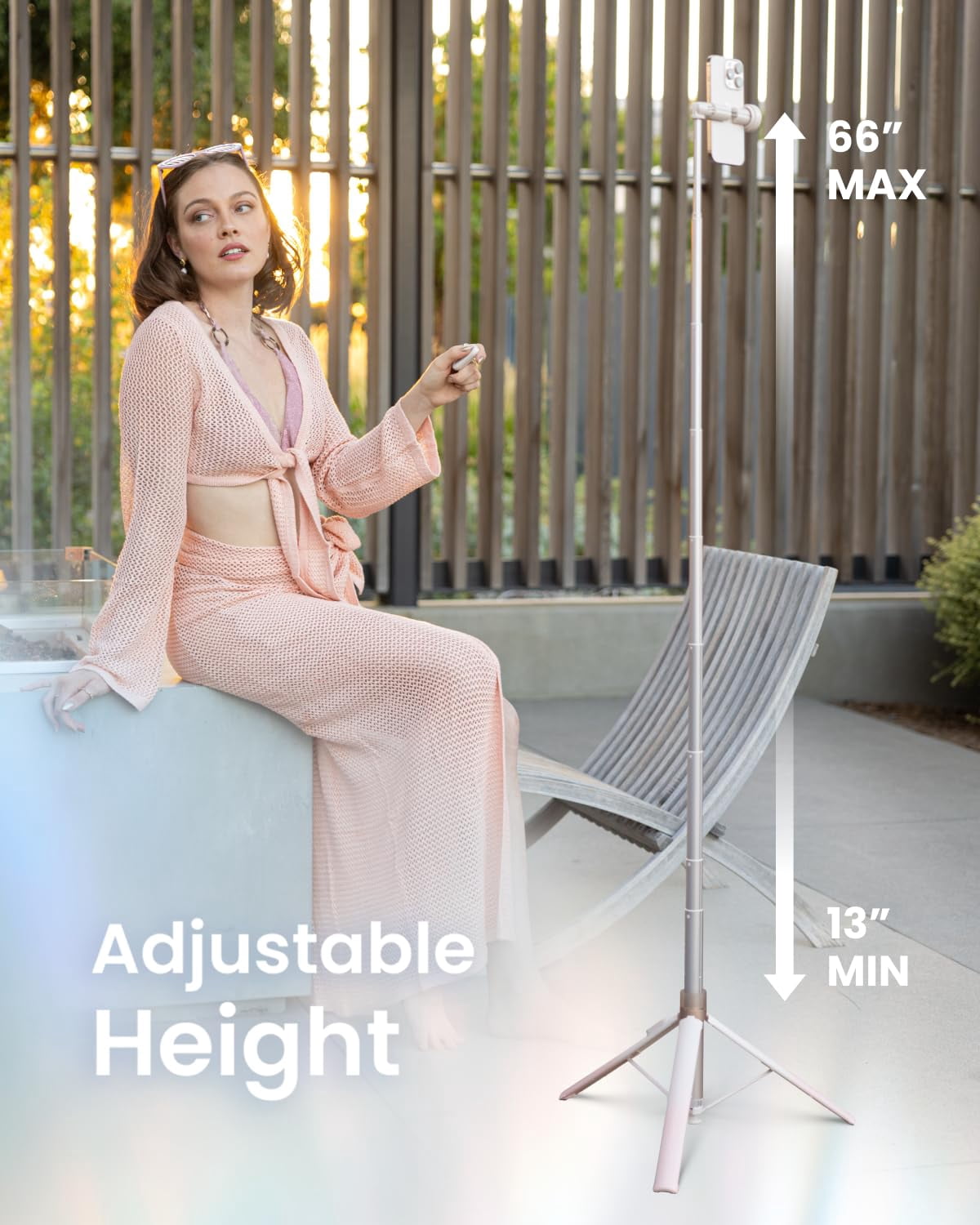
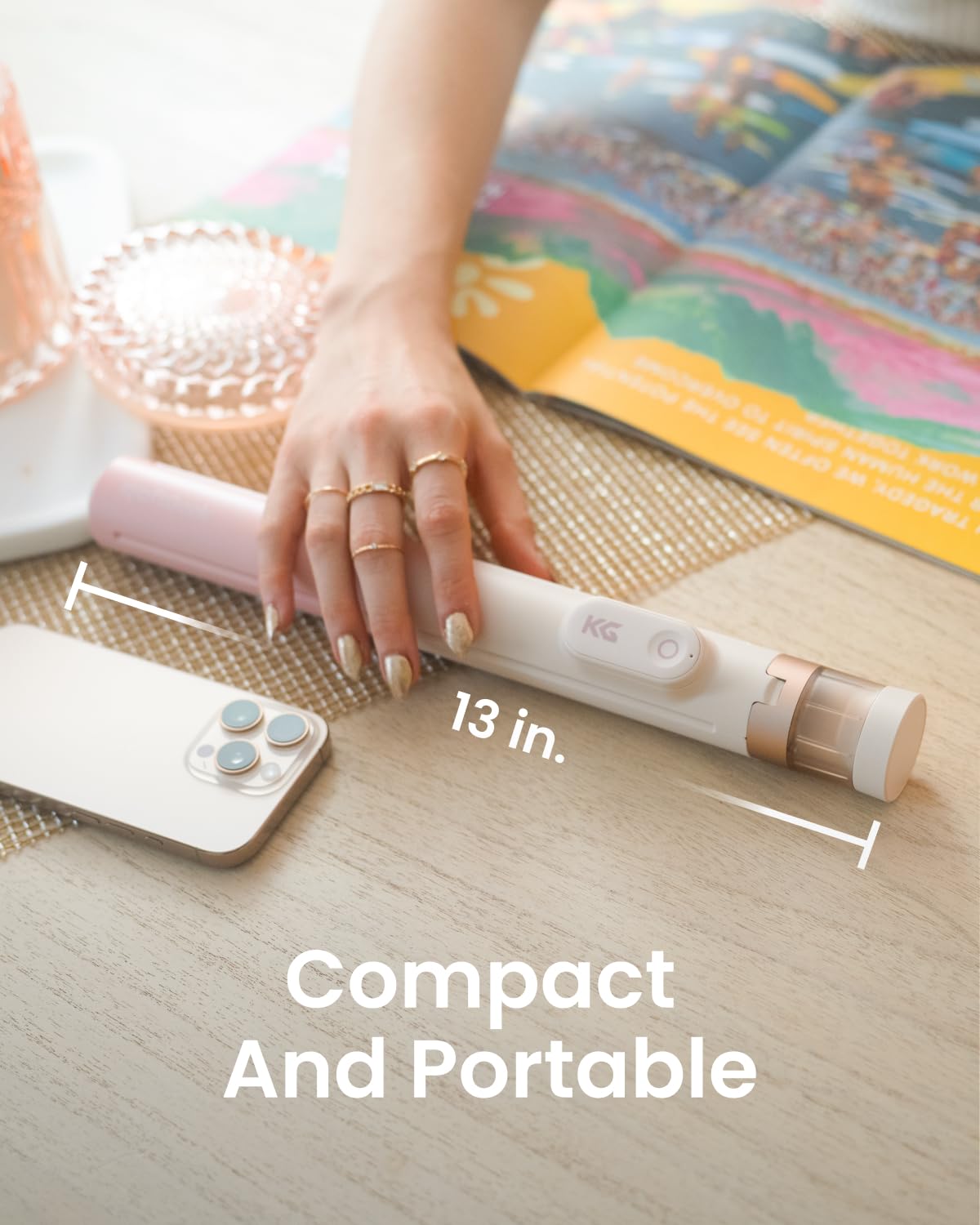
- Adjustable & Portable Build: Extend from 13" to 66" for low-angle filming, desk work, or tall tripod shots. Weighing only 15 oz, this travel phone tripod folds compact for creators on the go.
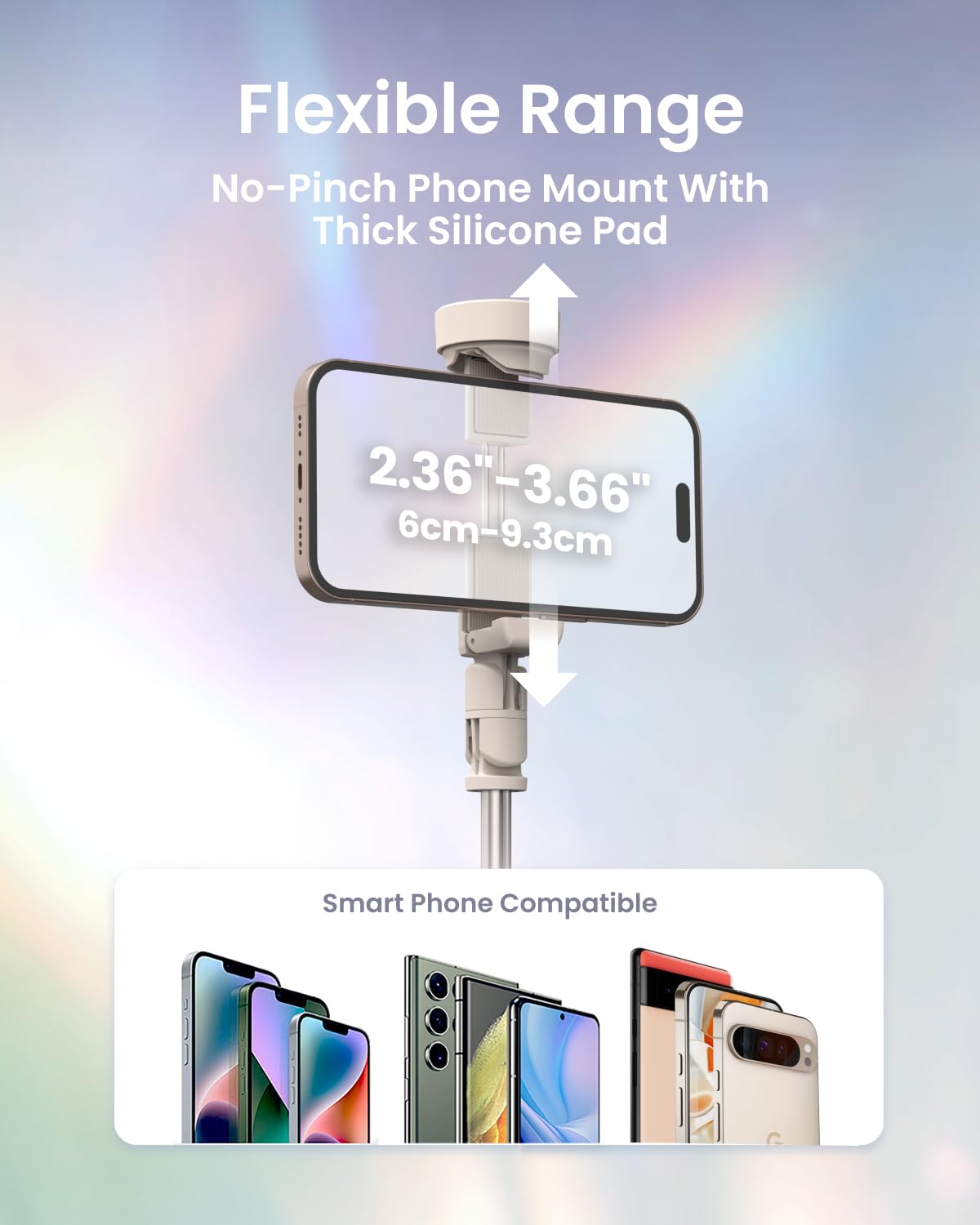
- Wide Phone Compatibility: The silicone-padded holder securely fits most smartphones—from iPhone 17/16 Pro Max to Samsung Galaxy S25 Ultra and Google Pixel 10 Pro—keeping devices stable and scratch-free. Perfect for gym workouts, daily content creation, travel vlogs, or casual filming.
- Rechargeable Remote Control: The Bluetooth remote works up to 33 ft away—take group selfies, capture travel shots, or film hands-free content. Compact and comfortable, perfect for content creators and social media users.
| Compatible models | iPhone 17/17 Pro/17 Pro Max, iPhone 16/16 Pro/16 Pro Max, Samsung Galaxy S25/S25 Ultra, Google Pixel 10 Pro |
|---|---|
| Maximum height | 66 in |
| Features | Lightweight, Portable, Adjustable, Flexible |
| Accessories | Tripod |
| Maximum expandable range | 66 in |
| Compatibility | iPhone, Samsung, Google |
| Size descriptor | Compact |
| Weight | 0.93 lb |
| Color | Ombré Peach |
| Max Weight | 0.93 lb |
| Dimensions | 13.50 x 2.20 x 2.60 Inches |
| Brand | KraftGeek |
| Pack quantity | 1 |
Bestseller ranking
Selfie Sticks
Customers who viewed this product also viewed
Retro Game Consoles
Correction of product information
If you notice any omissions or errors in the product information on this page, please use the correction request form below.
Correction Request Form